Make more of
the parts you have.
Turn your electronics into a useful project, or take an existing build further. Plan it with Astra, refine a custom enclosure, then print and put it together.
Start with the parts you own, an idea, or a project you’re already working on.
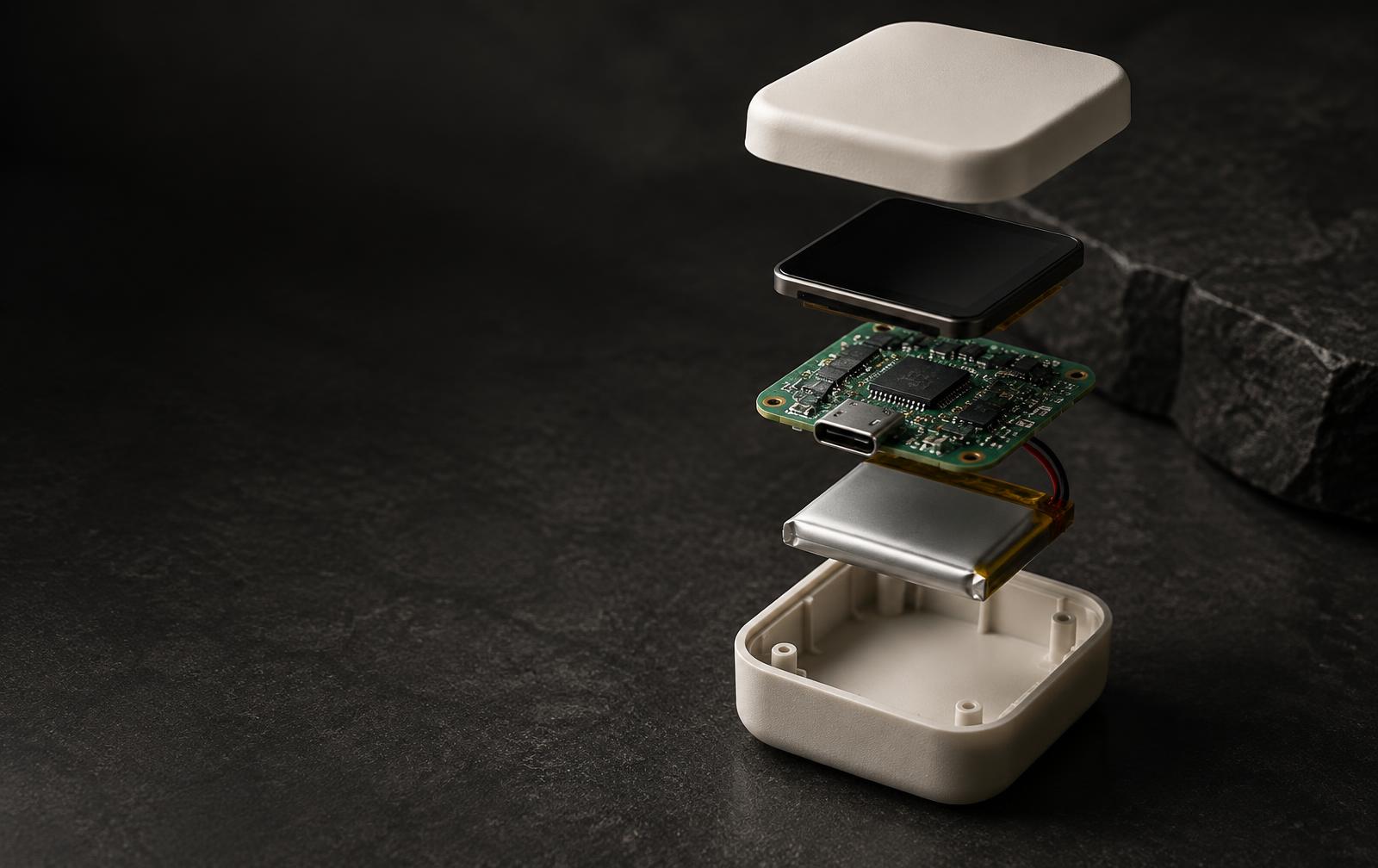
A place for every part.
Example enclosure · illustrative assembly
From loose parts to a build you can hold.
One workspace to discover, develop and keep refining your project.
Review your parts
Photograph your electronics or add them by hand. Review identities and specs before designing around them.
Find a direction
Explore projects from your inventory, or develop the build you already have. See extra hardware and open decisions.
Measure and iterate
Confirm dimensions, inspect the 3D layout and ask Astra for changes. Build and check each enclosure revision.
Print and assemble
Accept your design, download its STEP, STL or 3MF files, and follow the matching assembly guide.
Your measurements drive fit. Geometry checks help you review the enclosure; wiring, firmware and slicer settings still need your review before use.